

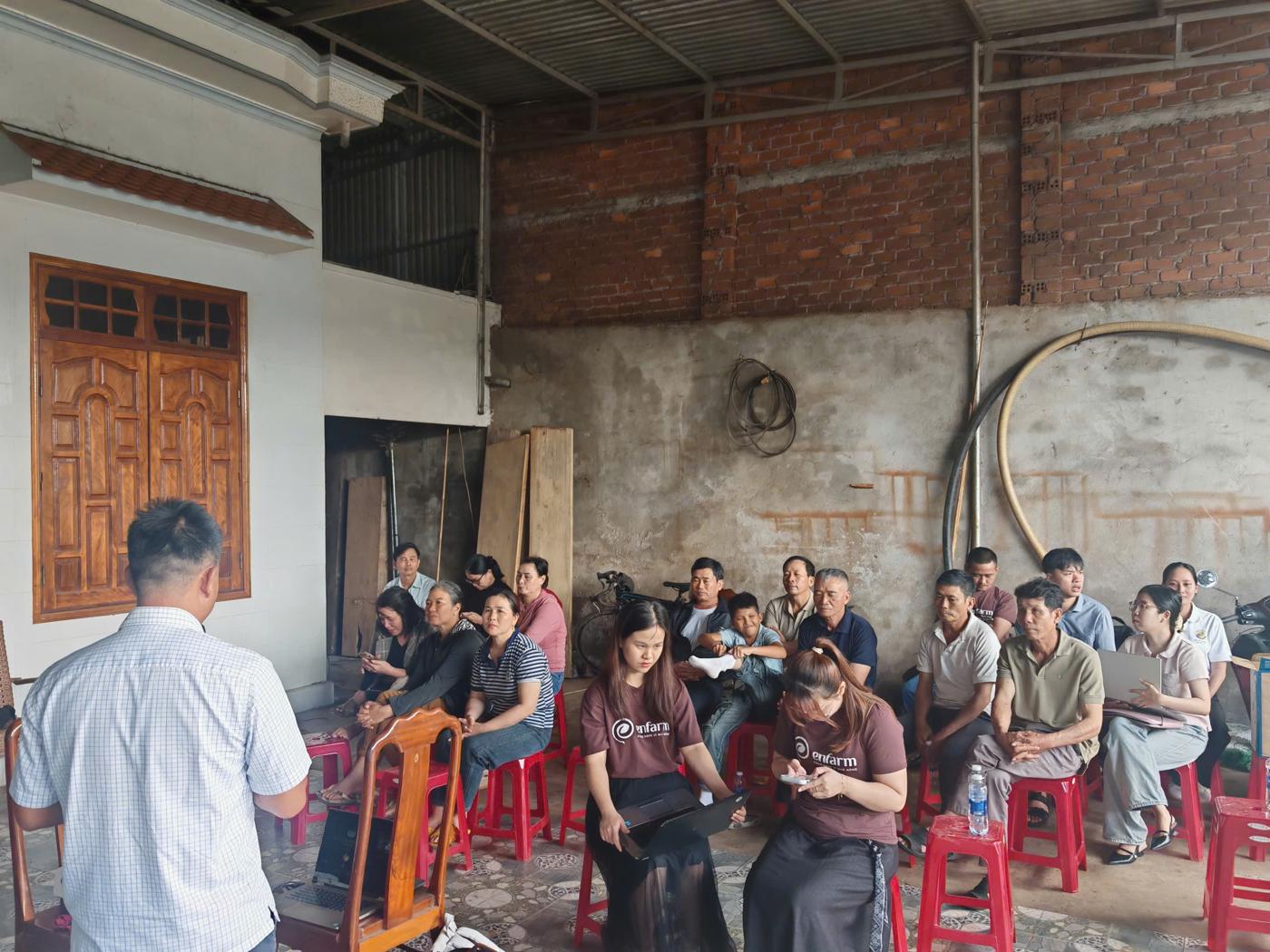
Many older farmers ask their children or grandchildren to keep diaries for them. Farmbase lets you add family members to an orchard while still showing who recorded what.
How to add
- Open Farmbase in Zalo and go to "My orchards".
- Choose "Members" and tap "Invite family member".
- Send the invitation via Zalo; once accepted, the family member can record diaries for the orchard.
Each entry stores the name of the person who recorded it, so inspections stay clear.
Draft content for review: BVI needs to check the steps and button names against the real app and add screenshots before publishing.